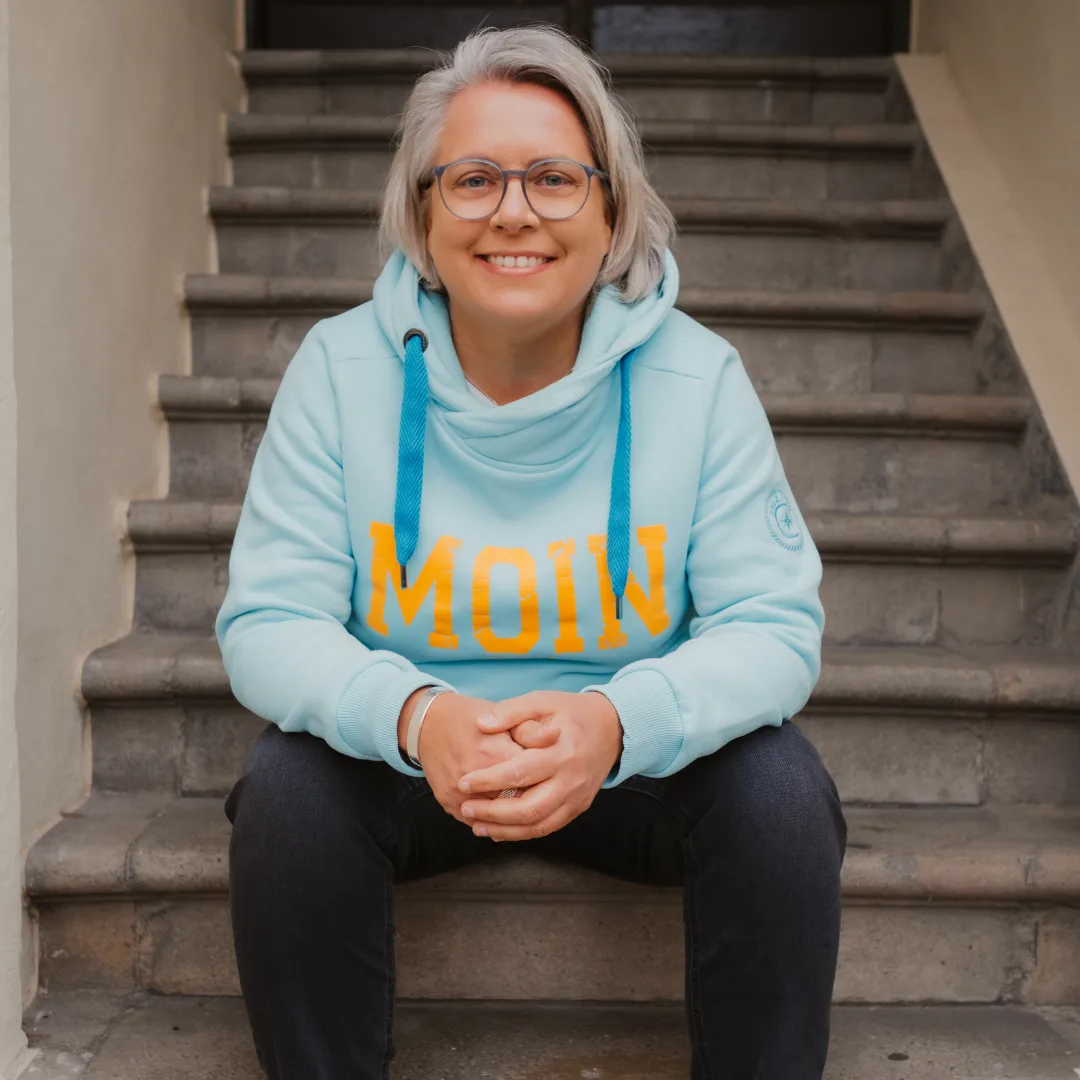
Maybe an app idea has been sitting in your drawer for years, because developers are expensive and you are not one. It is an absolute myth that you have to know how to program to build your own working app. I needed exactly one hour, without writing a single line of code — and the app solves a real, practical problem I had after moving to Ireland. The new Higgsfield supercomputer made it possible, together with Claude. In this article I show you step by step how I proceeded — and how you use the whole thing for your own ideas as a so-called MVP.
The starting point: low tide, high tide — and an app that did not exist
If you have been following me for a while, you know: I am absolutely no fan of massive over-automation or of indiscriminately collecting AI tools. For me, structure and clarity come first — build solid processes, then look where AI can optimize.
We moved to Ireland a few months ago, and I kept asking myself: when is low tide, when is high tide? Where can you go swimming? What is the water temperature? Although Ireland has plenty of digital solutions, we found no app answering exactly these questions. The problem I concretely wanted to solve: knowing when and where I can go swimming — and when and where I would be standing in a mud desert. Which, by the way, can get genuinely dangerous here in Ireland — I have experienced that myself. That is how the idea for ebbe2flut.de.
An honest word up front: I can do many things — agile coach, consultant, HR expert, business mentor for solo entrepreneurs and small teams. But one thing I am certainly not: a software developer. What I do have is over 15 years of experience as an interface within companies — for years I sat exactly in between: between what IT wanted to build technically and what the customers actually needed. That is why I trust myself to judge: does an application create real value — or is it just a technical toy?
What you build here: an MVP — and why that changes everything
This too belongs to honesty: the app I built in about 60 minutes is not full-scale software that earns millions tomorrow. It does not have to be. What emerges here is called an MVP in the tech world — minimum viable product. A simple, working version of your idea. And exactly that is the starting shot that probably changes everything for you as a self-employed person:
- You convince investors — or simply a customer. Instead of a dry PowerPoint presentation you show something people can touch and click. That creates trust immediately.
- It is the bridge to developers. Let us not kid ourselves: if this is to become a really big app, you will need developers at some point. Instead of “I have this feeling, I would like to do something”, you will say: “Look, here is my MVP. This is the logical layer, this is exactly what the user journey should look like. We build on this.”
The tool: the Higgsfield supercomputer
Maybe you are wondering: why Higgsfield? You could build this with other no-code tools too. Yes, you could. But Higgsfield has two unbeatable advantages:
- It delivers the fitting visuals immediately. Higgsfield generates the images and UI elements for app and landing page from a single mold — and you can see the difference afterwards.
- You do not have to leave your familiar working environment. You either go directly via the Higgsfield supercomputer (partner link) — or you use the Claude MCP connection. More on that in a moment.
Claude as thinking partner for the start prompt
Of course I also used Claude in this combination — as a thinking partner: I asked Claude to write the prompt. So you do not have to start from zero, I prepared a Skill that gives you exactly this step-by-step guide in Claude — from idea to finished app. You will find the skill including instructions free of charge in my Skool community.
The pro move: steering Higgsfield directly from Claude — via MCP
And now it gets really exciting for us workflow fans: you can steer Higgsfield directly from within Claude. MCP stands for Model Context Protocol — essentially a direct pipeline from Claude to Higgsfield. You may already know this from other programs you have connected to Claude.
Once you have set up this connection, you simply tell Claude in your own language what your app should look like. Claude understands the context and pushes the commands over the MCP connection straight to Higgsfield, where app and graphics are built in the background. No tool hopping, no copy-paste chaos — a single interface steers the entire process.
How to connect an MCP server, I also show you in my Skool community.
Step by step to the MVP
For the app I show you in the video I went directly via the Higgsfield supercomputer — I wanted to know which settings I could make there myself. This is how it went:
- Have the prompt created in Claude: With my skill I had Claude write the system prompt for the app.
- Over to Higgsfield: Opened the supercomputer there and said: “I want to build an app.”
- Insert the prompt: Pasted the finished system prompt from Claude — and the tool started working.
- Fine-tuning: Made one or two small settings in Higgsfield — and the system built the app.
For you and me this means: the barriers are falling completely right now. The technology is becoming so democratic that your experience and your business sense become the real asset — no longer the technical know-how. You just have to do it.
The finished app: ebbe2flut.de
You can look at the result live: www.ebbe2flut.de. Do have a look — then you see what is possible. It does not always have to be the giant ideas. Sometimes it is something in your small environment: for your team, for your business, for a customer — or privately.
Frequently asked questions
Do I have to know how to program to build my own app?
No — that is exactly the myth. I am no software developer and wrote not a single line of code for ebbe2flut.de. You describe in your own language what the app should do — Higgsfield takes care of the rest.
What is an MVP — and why do I need one as a self-employed person?
A minimum viable product: the simple, working version of your idea. Not a finished million-euro product — but exactly what you need to show customers or investors something clickable and to make your user journey concrete for developers.
What is the Claude MCP connection to Higgsfield?
MCP (Model Context Protocol) is a direct pipeline from Claude to Higgsfield: you steer the entire build process from within Claude — no tool hopping, no copy-paste chaos. The guide for connecting it is free in my Skool community.
Which app idea sits in your drawer?
One hour, no code, one real problem solved — that is not future talk, that is exactly what I did. And if I can do that without being a software developer, so can you. The only question is: which app idea sits in your drawer — for your team, your business, a customer, or simply for yourself?
You will find the finished Claude skill and the complete guide — including the MCP connection — free of charge in my Skool community. And if you want to get going right away: here is the Higgsfield App Builder (partner link).
And if you do not want to leave it at one idea: In the Claude Sprint we build exactly like this for five days — on your real business, not on practice examples. In a small group, live.